
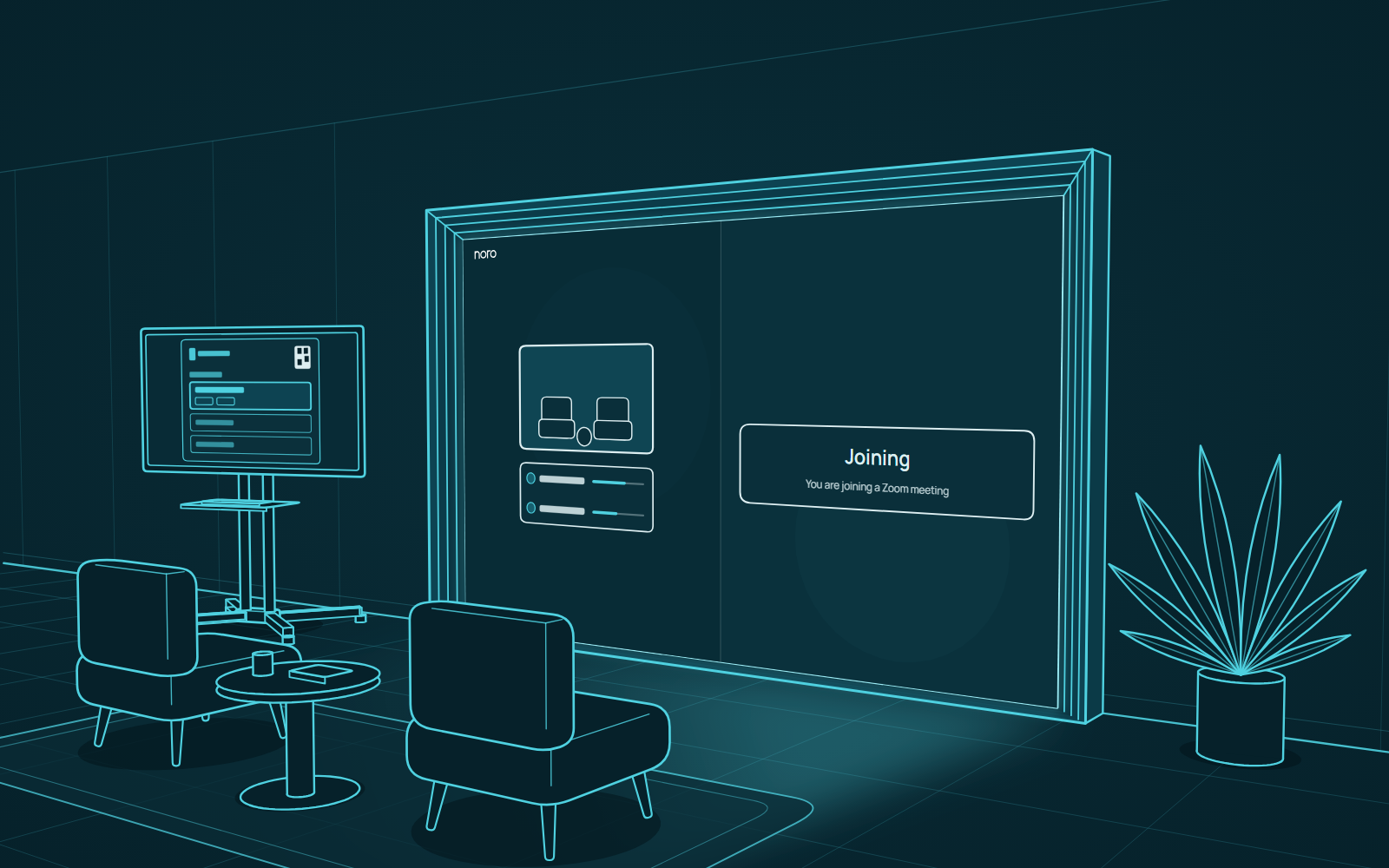
This update brings the portal into more of the tools you already use. Join a Zoom meeting in an early preview, and book a portal from Google Calendar. Portals also keep track of their own problems now, and email the people who manage them when a problem starts and when it clears.
Join a Zoom meeting (preview)
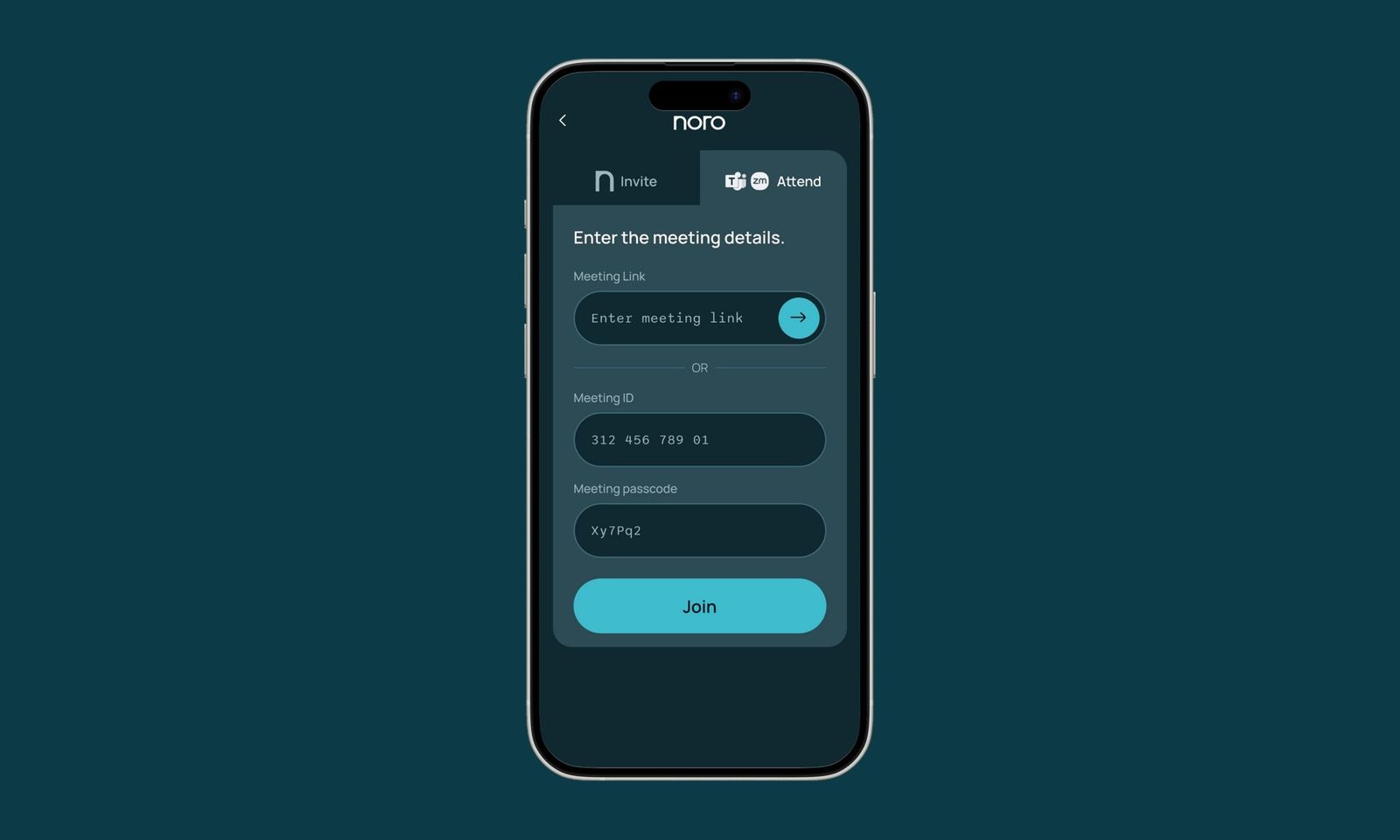
Portals can now join Zoom meetings. Paste a Zoom link or a meeting ID into the Attend tab on the controller, the same place you already use for MS Teams. The portal works out which one it is from what you enter.
- Before joining, you can check the camera, the microphone and the speakers.
- During the call, the controller has the microphone, the volume, the participants list and a button to leave.
- You can share your screen into the meeting from the controller.
- If the portal is held in the Zoom waiting room, the screen tells you.
- If the portal is left alone in the call, it leaves by itself after two minutes.
Zoom is an early preview and it's still in active development. In this release you join a meeting at the time of the call.
Book a portal from Google Calendar
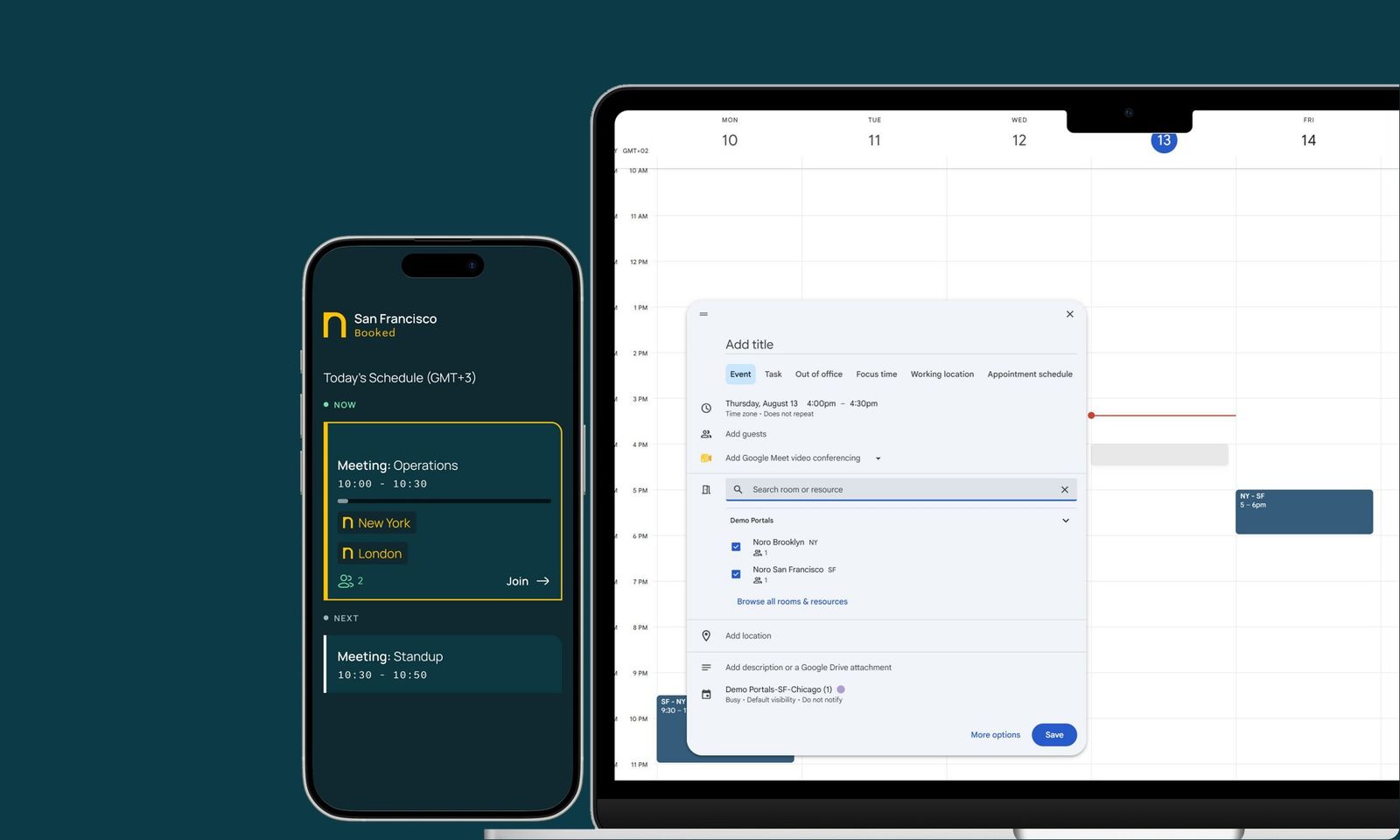
You can now book a portal from Google Calendar, as you already could from MS Outlook. Add the portal to your event as a room, and the booking appears on the portal's schedule. Changes and cancellations follow through, and one invite can book several portals at once.
This needs a one-time setup in your Google Workspace before invites reach the portal. Your Noro team can walk your admin through it.
Portals that report their own problems
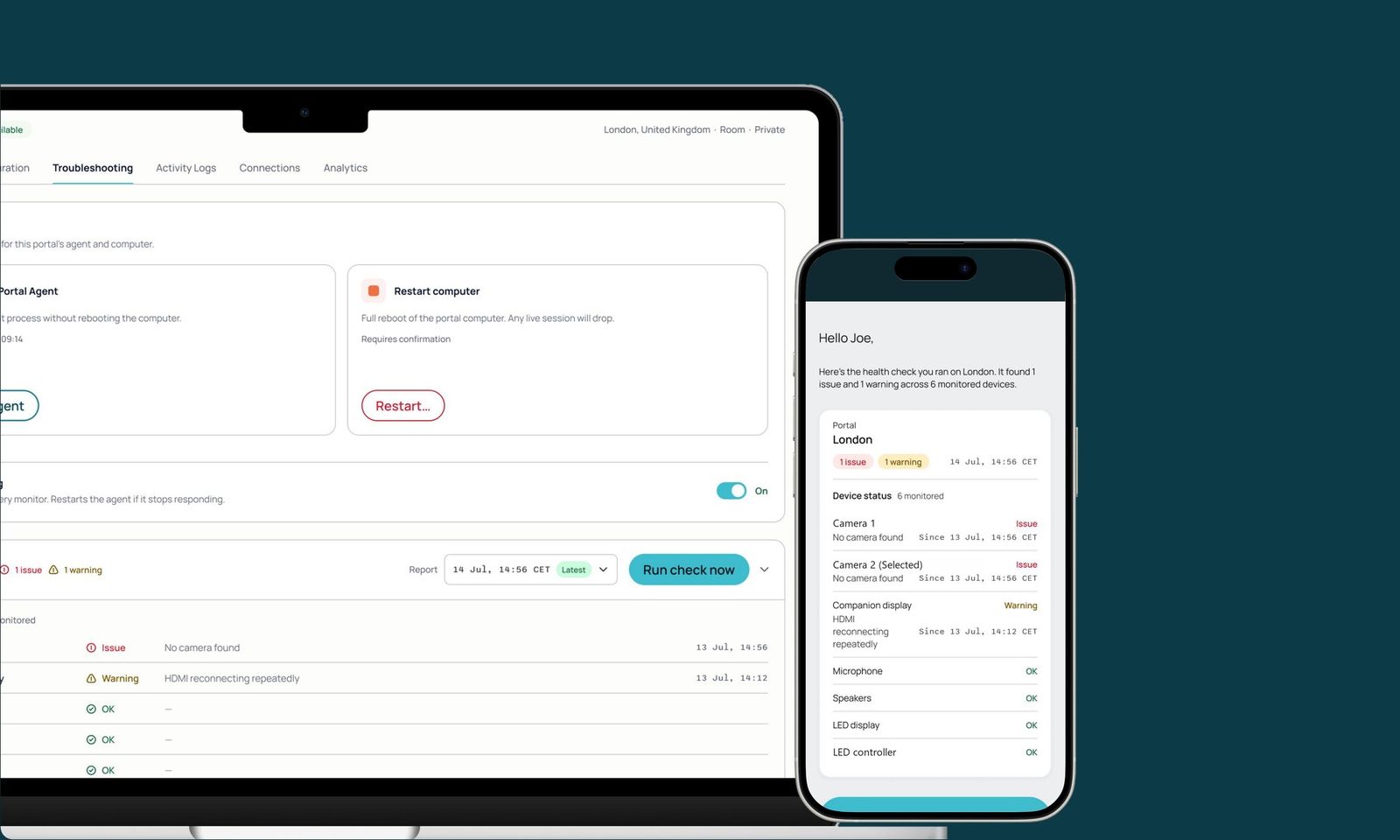
Portals check themselves regularly, and an admin can ask for a check at any time. When a device or the software needs attention, the portal opens an issue that stays open until it clears.
When an issue opens, the people who manage that portal get an email. When it clears, they get another one that says how long it lasted.
- Each manager gets one daily recap at 7am their local time, covering all of their portals.
- If you've booked a portal for the next 48 hours and it has an open issue, you're told, and told again when it's fixed.
- In Admin, the portal list shows how many issues and warnings each portal has. Each count links to the full report.
Also in this release
- Remote participants in an MS Teams call can start, clear and stop the whiteboard from their browser.
- Touch on the companion screen stays accurate. The portal now corrects the touchscreen by itself after a cable is reconnected or the computer wakes up.
- The controller shows the name of the portal you're controlling during a call.
- The controller tells you when your call is waiting in an MS Teams lobby.
- Deleting a booking while its call is running no longer ends the call.
- Screenshares fit the display without being cropped.
- Changes to a recurring schedule reach the controller right away.
- A call that runs over extends itself more reliably.