
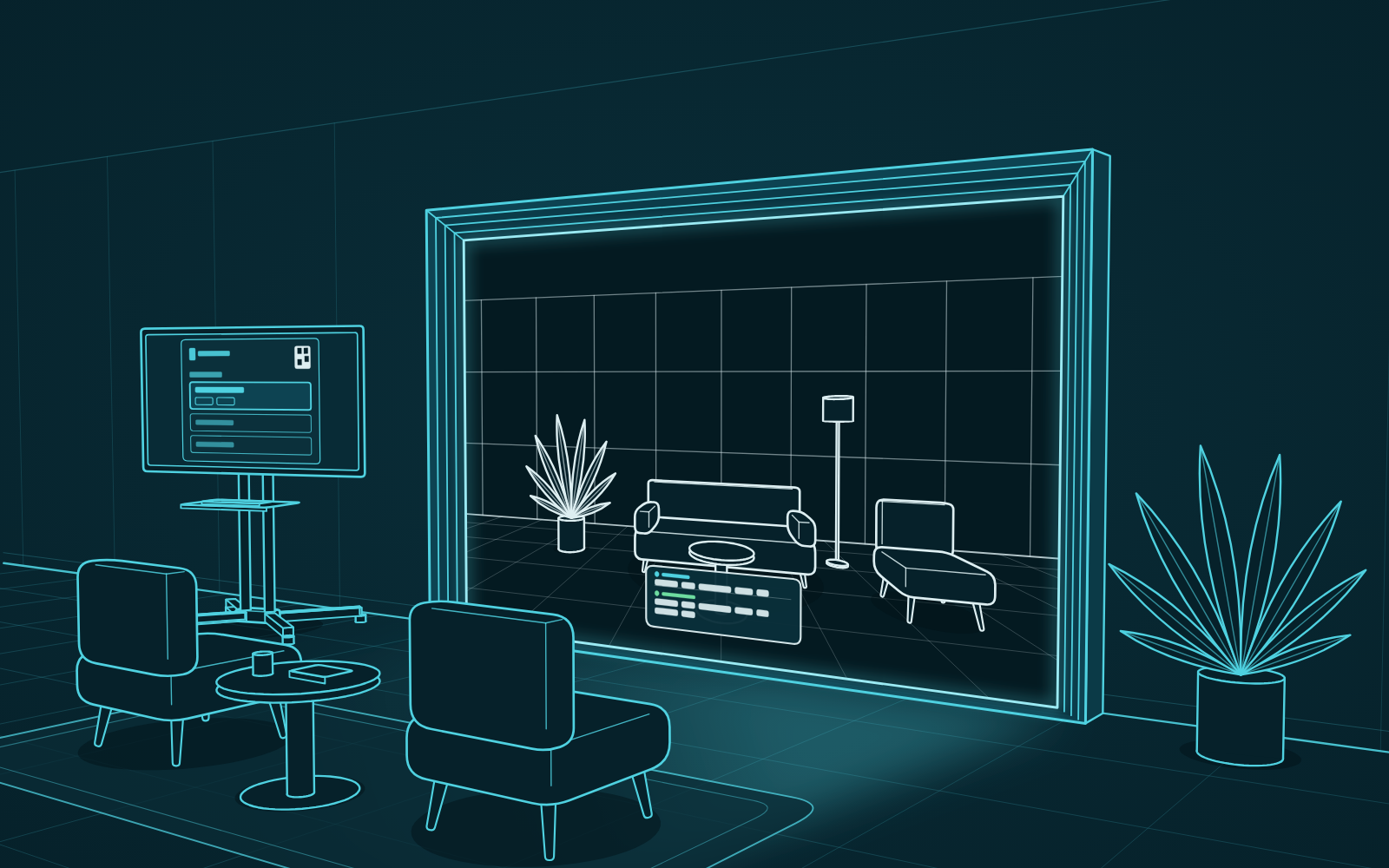
This is the first update where the portal listens to the conversation. Live captions appear on the wall during a call, and an early preview of AI tools lets you ask for things out loud. The schedule is easier to read, and it now shows on the companion screen.
Live captions on the wall
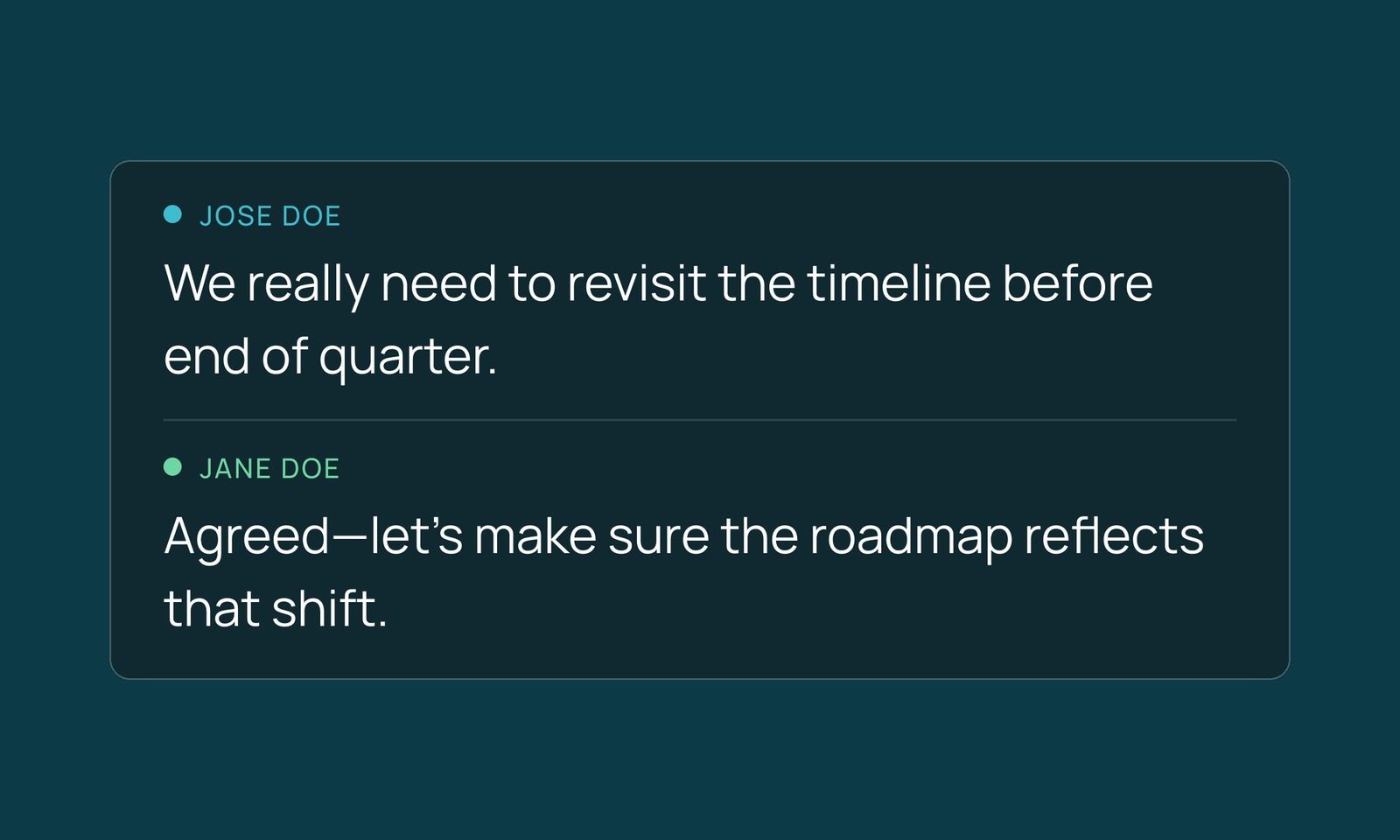
Portals can now show live captions on the wall during a call. Turn them on or off from the controller at any point. The captions move sentence by sentence, stay up long enough to read, and are sized to be legible from across the room.
AI tools (preview)
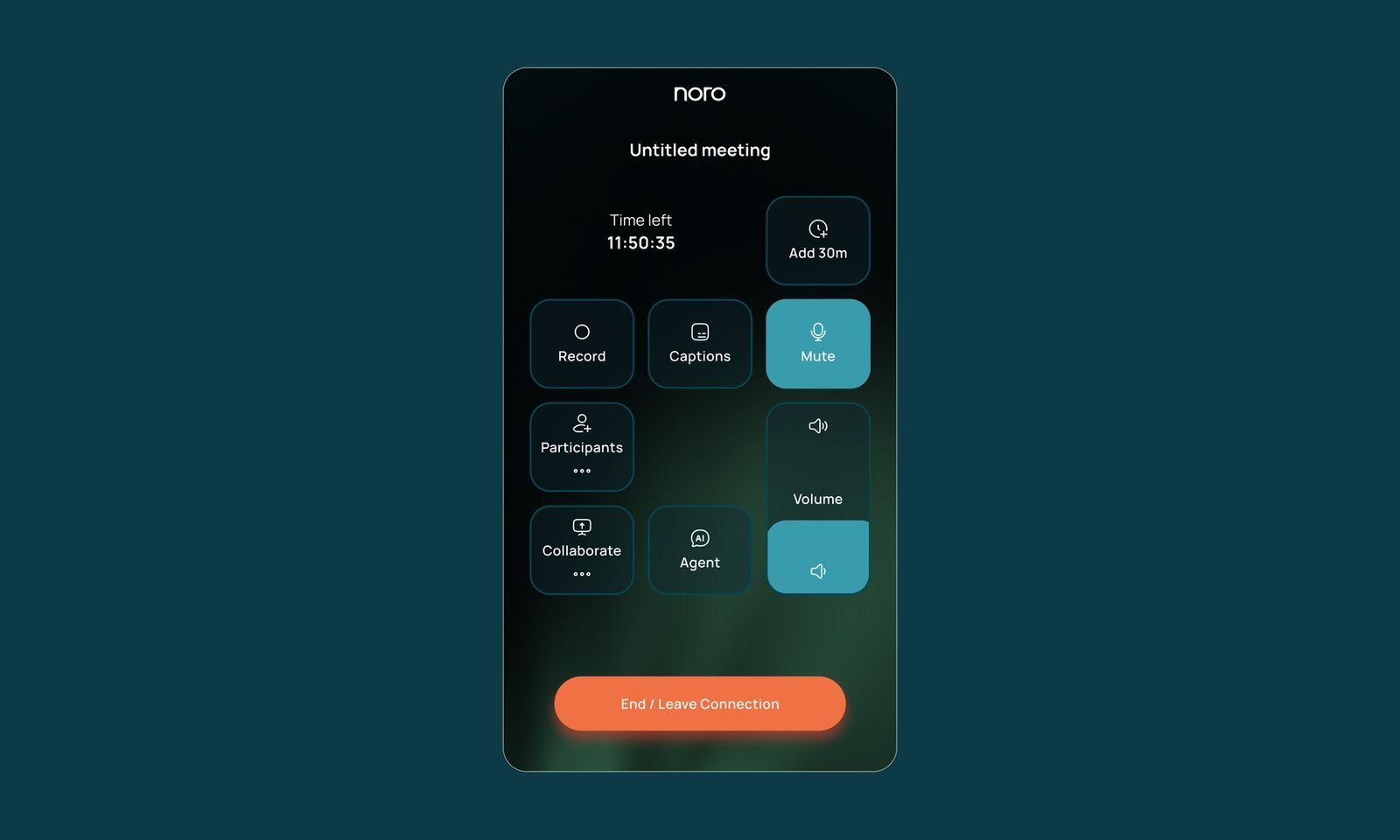
This release includes an early preview of Noro's AI tools. They're in active development and will keep changing.
- Voice commands. Hold the button on the controller, say what you need, and let go. If the request isn't clear, the assistant asks a follow-up question on the controller.
- Meeting companion. Ask a question during a call and get a short answer on screen.
- Whiteboard assistant. Ask out loud for a drawing, a summary, a search or a quote on the whiteboard, or ask to clear it.
A clearer schedule
The portal's schedule is now split into what's happening now and what's next. It also stays on the companion screen, so you don't need to scan the QR code to see the day's bookings.
Also in this release
- An MS Teams call with several portals continues when one of them leaves, and a booked MS Teams meeting can be extended when the portal is free afterwards.
- Shared music and video sound cleaner in presentation mode.
- Invitation links are shorter and easier to pass along.
- At the end of a call, the portal shows a QR code you can scan to leave quick feedback.
- Admin shows times in the timezone you choose, and lists the software version of each portal.
- Camera focus is saved for each camera and applied again before every call.
- Portals handle short network interruptions better.
- Portals no longer show as offline in Admin or on the controller when they aren't.
- You can change the volume from the controller before a call starts.